Custom-built tool to convert Word document exam questions into ready-to-import Moodle XML files.
Moodle XML Converter is a custom-built browser tool that transforms exam questions written in Microsoft Word into Moodle-compatible XML format. Instructors save their Word document as an HTML file, upload it to the converter, and receive a properly formatted XML file ready to import directly into Moodle's question bank - complete with images, answer options, correct answers, and category tags.
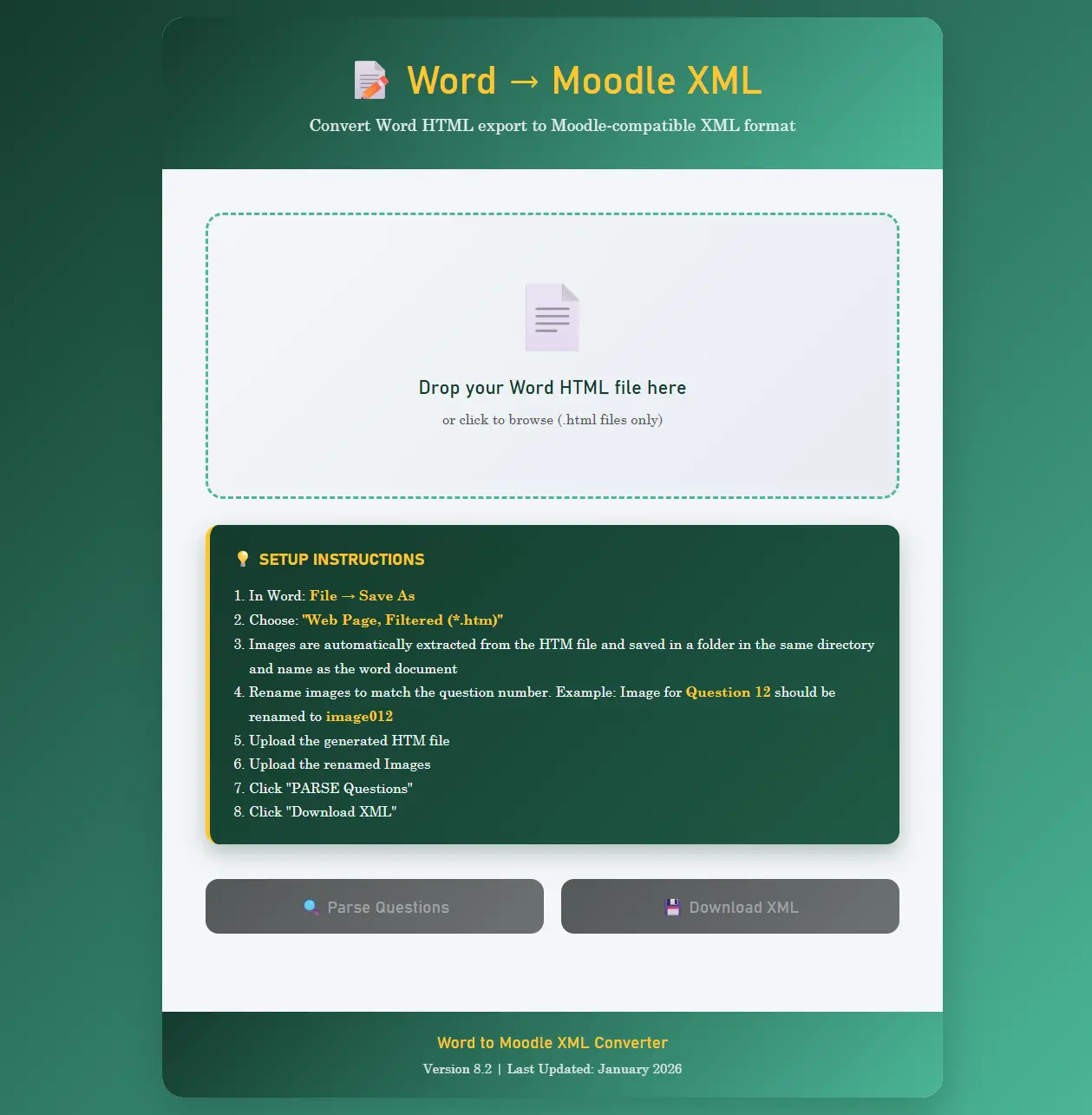
Upload Word HTML exports with a simple drag-and-drop or file picker. No installation required.
Automatically extracts embedded images and supports uploading additional image files for question diagrams.
Review all parsed questions, answer options, and correct answers before downloading the XML file.
Everything runs in the browser. No data is uploaded to any server - your exam content stays private.
Automatically detects and parses different question formatting styles commonly used in Word documents.
Automatically extracts images embedded in Word HTML exports and includes them in the generated XML output.
Identifies malformed questions - missing answer keys, improperly formatted options, or missing punctuation - and provides clear fix instructions.
Questions are automatically organised into Moodle categories based on tags found in the source document.
Correctly handles multiple character encodings and special characters commonly found in academic exam content.
Parse hundreds of questions in a single upload. The converter processes large files efficiently with progress indicators.
After parsing, every question is displayed with its answer options, correct answer highlighted, and category tags visible for review.
Download the complete Moodle XML file with a single click. Ready to import into any Moodle instance.
Upload additional image files when needed and the converter associates them with the correct questions in the output.
Works on desktop, tablet, and mobile browsers. Instructors can convert questions from any device.
Designed to save instructors hours of manual question entry by converting existing Word-based exams into Moodle-ready format in seconds.