Clearpane
A calm checkup of who has special access to your phone.
Overview
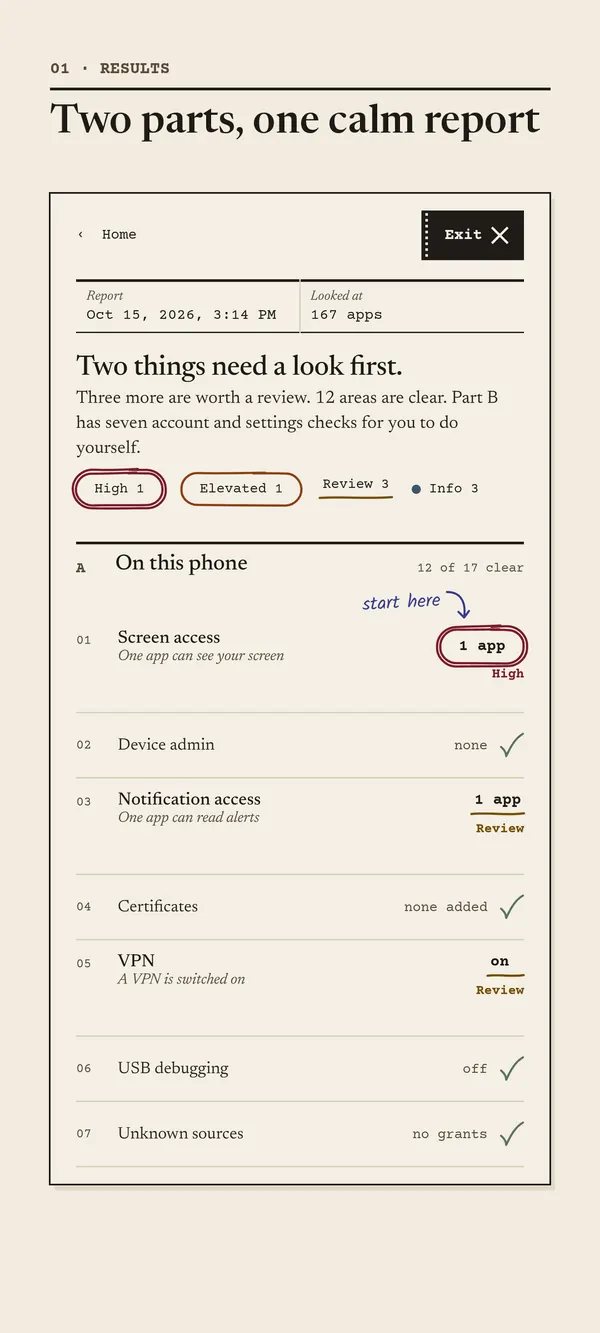
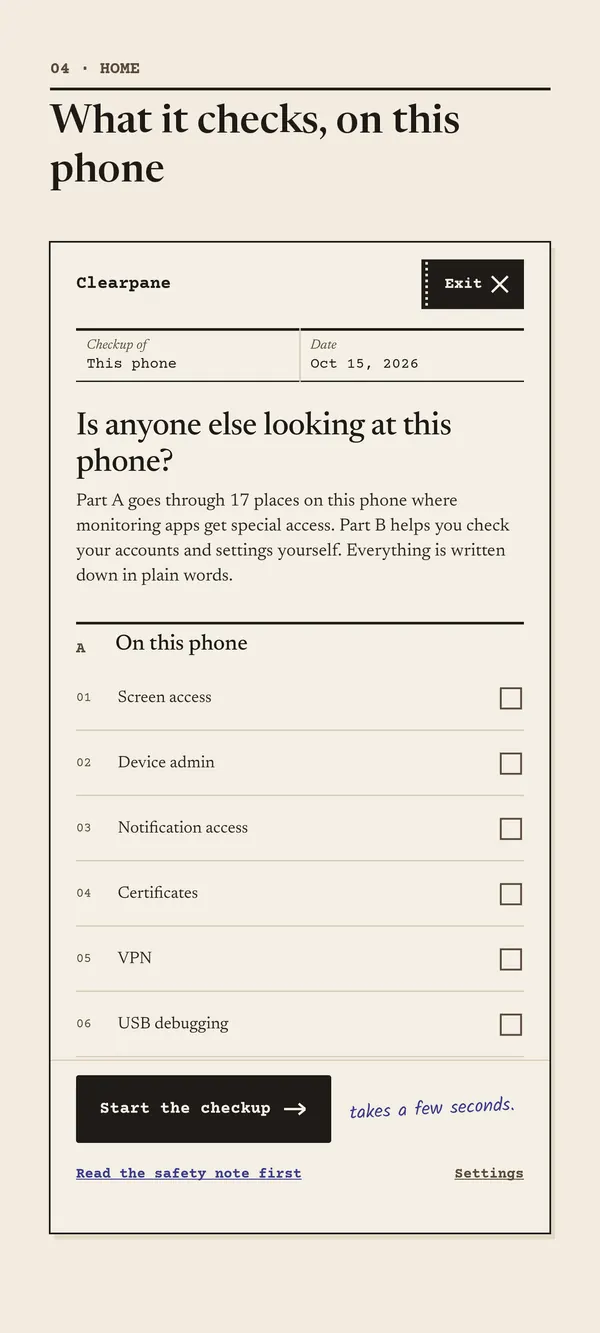
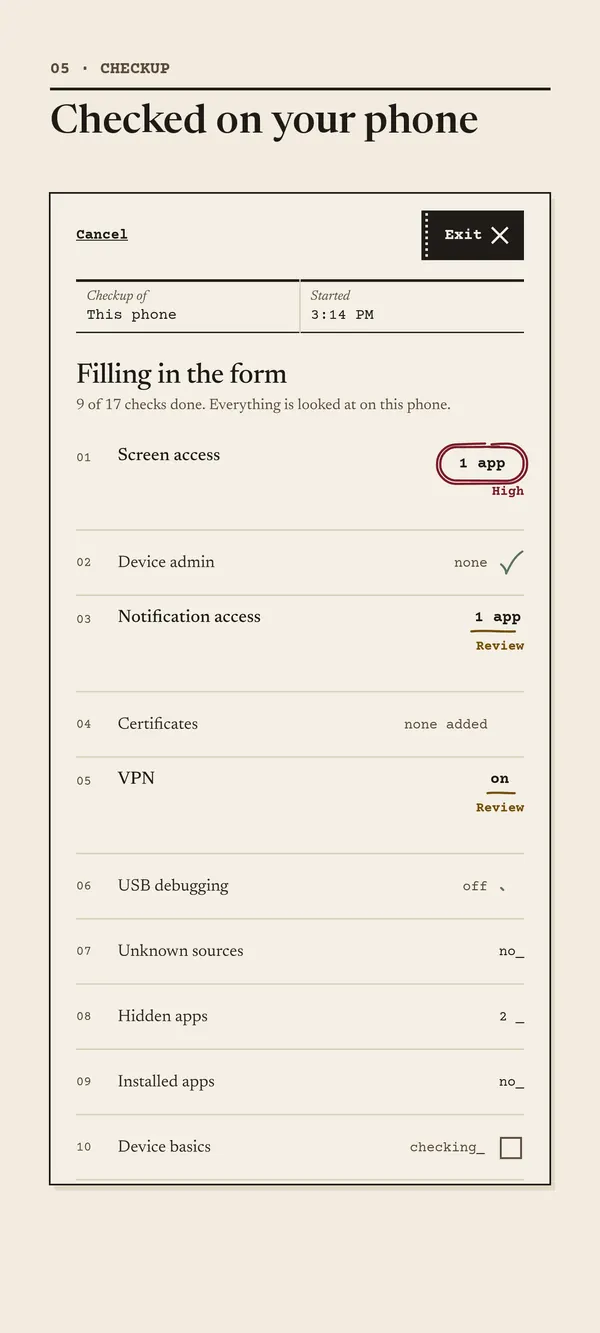
Clearpane reviews the settings that monitoring software depends on, explains each one in plain English, and opens the screen that controls it. It is a device checkup, not an antivirus, and it does not promise a phone is clean. Part A reads seventeen areas on the device itself. Part B walks you through the account checks no app can make for you. The checkup runs on the phone, there is no account, and nothing about the device is sent anywhere.
Designed With Safety In Mind
A warning before you act
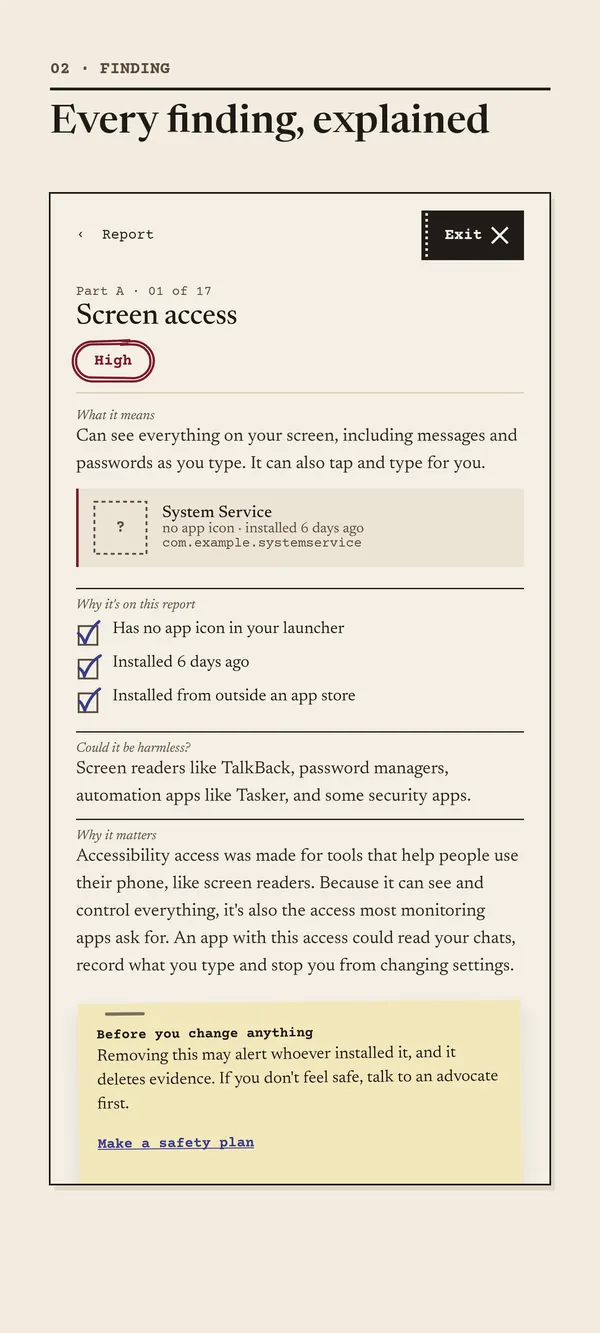
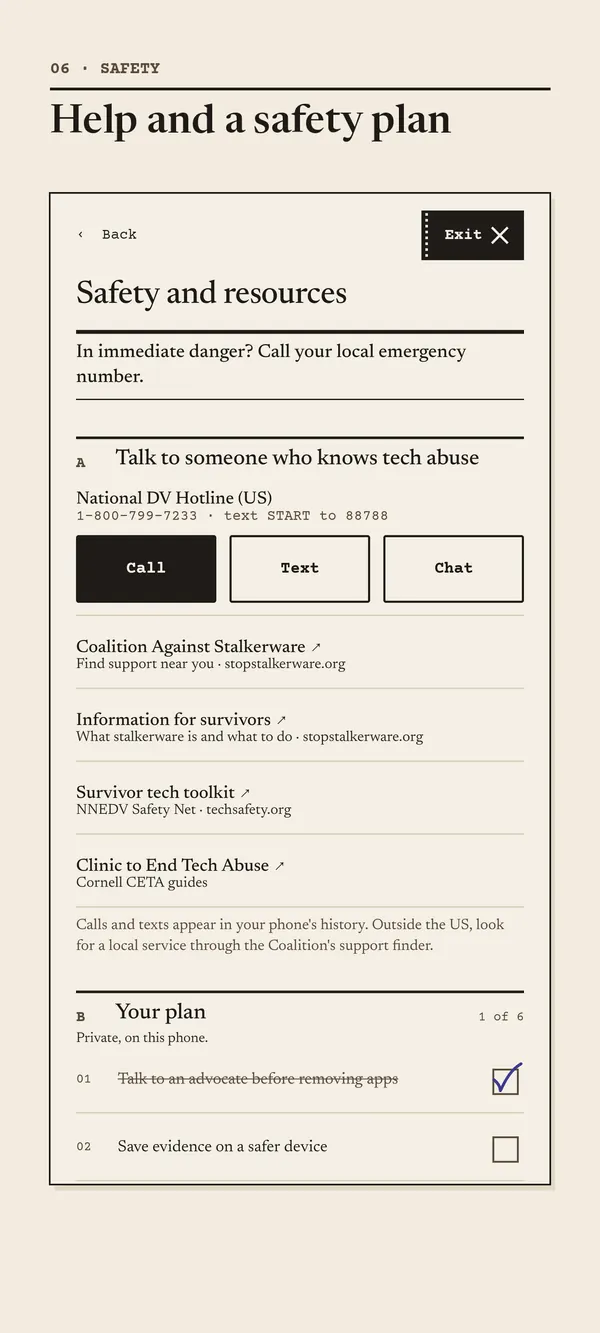
Removing an app can alert whoever installed it and destroys evidence. Clearpane says so before you change anything.
Quick exit, every screen
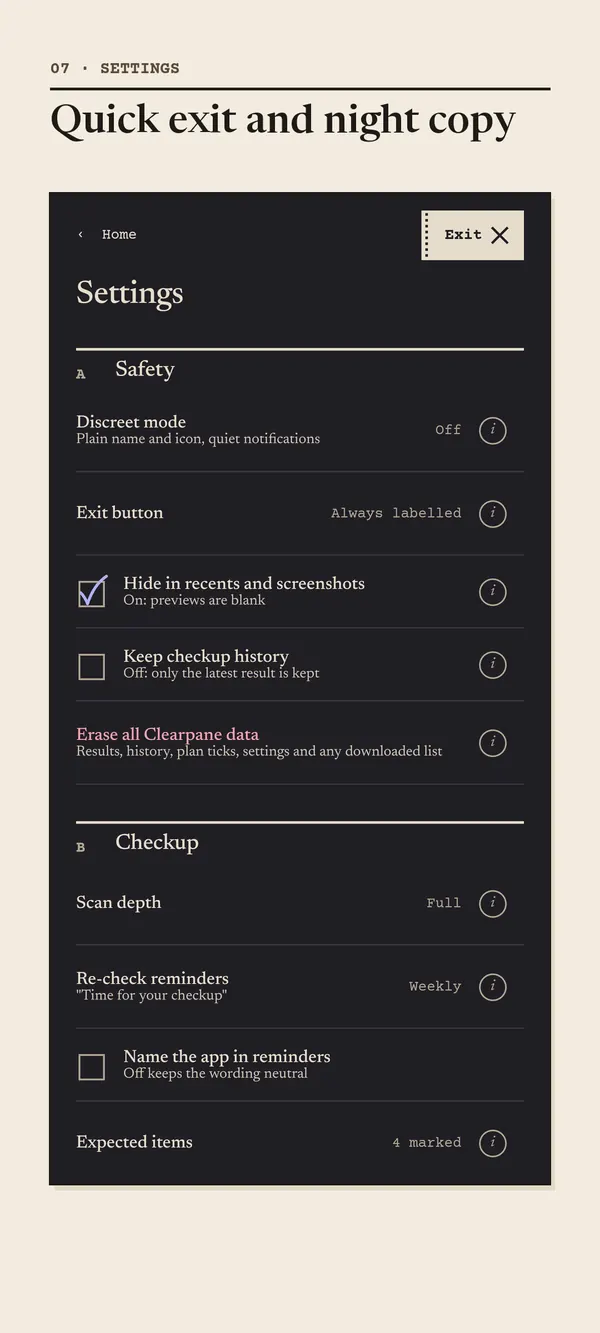
An exit button on every screen, and the app is removed from recents when you use it.
Discreet mode
A plain Checkup name and icon, with content hidden from screenshots and the recent-apps view by default.
Links to real help
Organisations that work on tech abuse, plus a private on-device safety plan you keep yourself.
What It Checks
Special access
Screen access, device admin, notification access, usage access and apps allowed to draw over others.
Network settings
Added certificates, whether a VPN, proxy or private DNS is set, and debugging switches.
Hidden and known apps
Apps with no launcher icon, and matches against a public list of known monitoring software.
Keyboards
Downloaded keyboards, which can see everything you type.
Permission patterns
Location all the time, or risky combinations such as texts, call history and microphone together.
Device integrity
Root signs, and whether the bootloader is locked, asked of the phone's own secure hardware.
Paired devices
Bluetooth devices already paired with the phone, listed only if you allow it. It never scans or connects.
Guided account checks
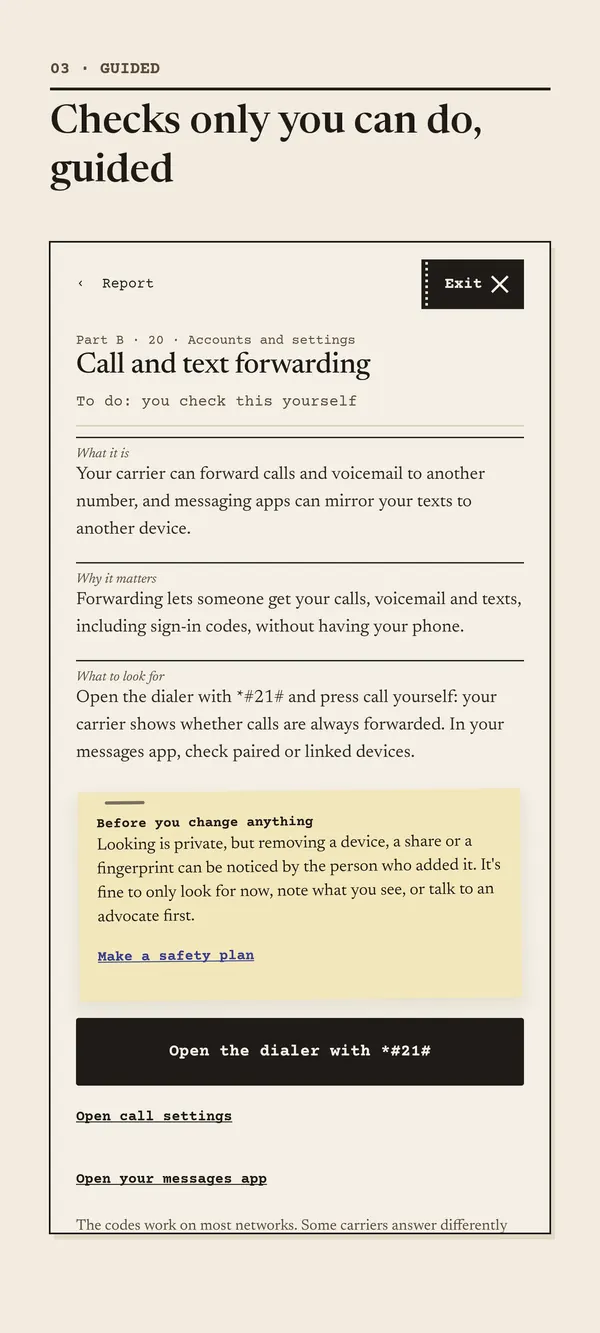
Signed-in devices, location sharing, call and text forwarding, extra fingerprints, Smart Lock and shared albums.
How It Works
- Step 01
Run the checkup
Part A reads the device settings directly. Nothing leaves the phone.
- Step 02
Read each finding
What the access allows, why it was flagged, and the legitimate reasons it might be there.
- Step 03
Work through Part B
Clearpane opens the right screen. You mark each check yourself, and nothing counts as found unless you say so.
- Step 04
Decide what to do
Open the setting that controls it, or mark an app as expected so it stops being flagged.
What's Under the Hood
Free & Pro
Free - $0
Every check and every finding, with severity and a link to the setting. Safety information is always free.
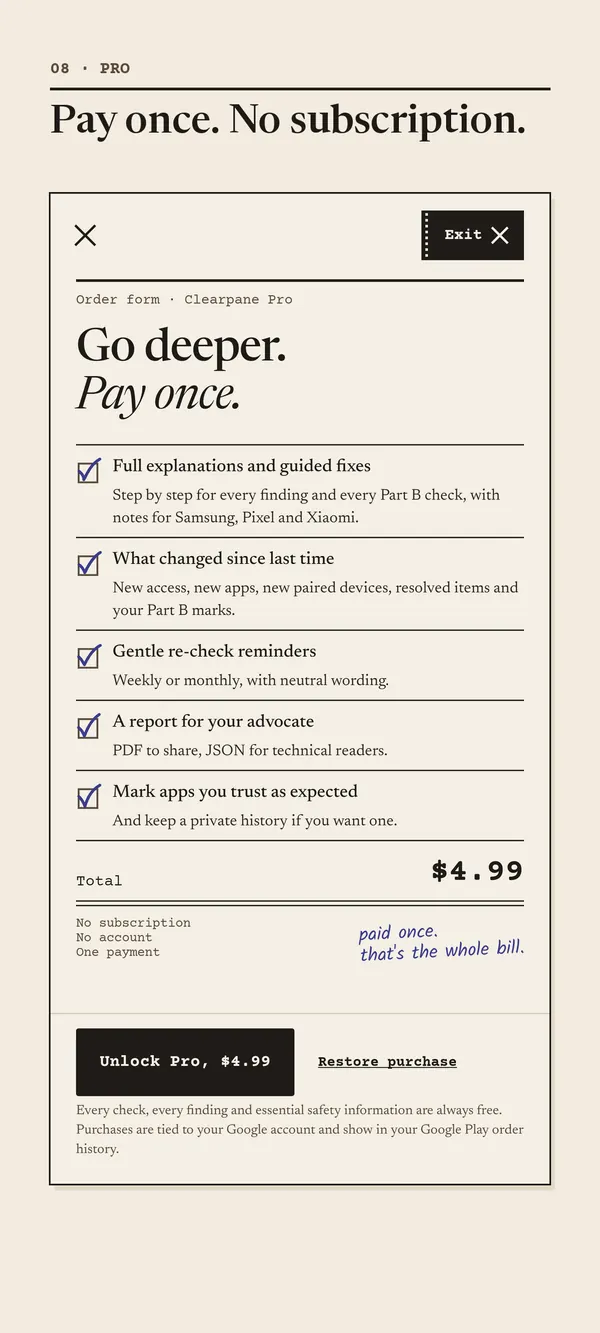
Pro - $4.99 (one-time)
Step-by-step guides with notes for Samsung, Pixel and Xiaomi / What changed since last time / Re-check reminders / PDF and JSON export / Mark apps as expected, with private history.
Honest About Limits
A finding is not proof
Password managers, smartwatch apps and screen readers legitimately use the same access. It is a reason to look, not a verdict.
It cannot see everything
A checkup cannot detect system-level implants on a rooted phone, and some account settings only you can check.
No clean bill of health
No app can promise a phone is clean, and Clearpane does not. It shows what it checked and what it could not.
Related Projects
Three more systems from the same catalogue. Hover a full-site capture to scroll it.
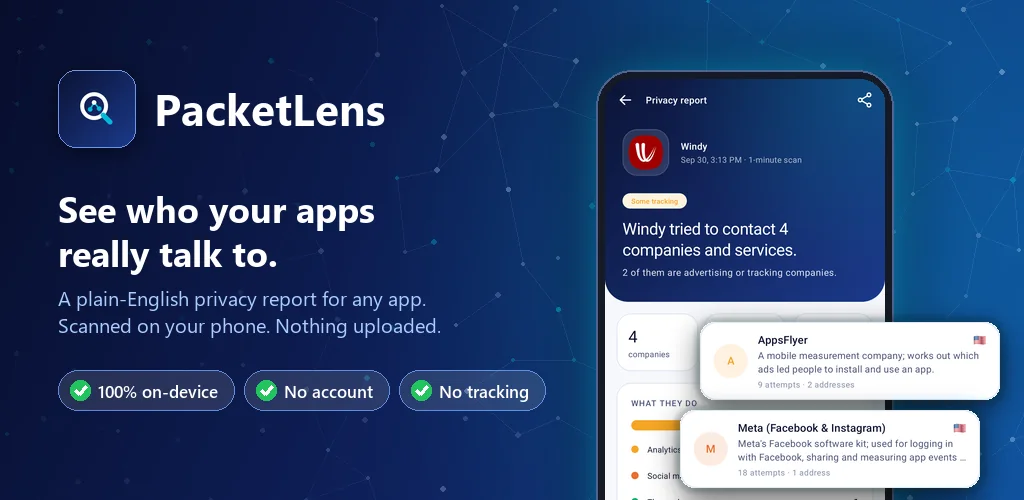
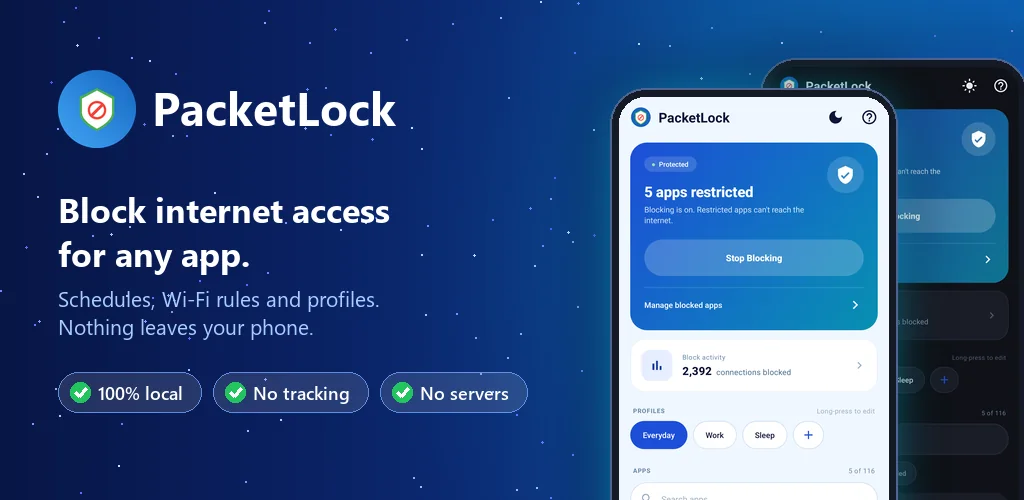
 Full site
SVG Tradesmen
Trade directory + WhatsApp bot for St. Vincent.
Need something like this for your operation?
Tell me what the workflow looks like now and what it needs to do instead. That is enough to scope a reply.