Projects / Moodle XML Converter
Moodle XML Converter
LiveCustom-built tool to convert Word document exam questions into ready-to-import Moodle XML files.
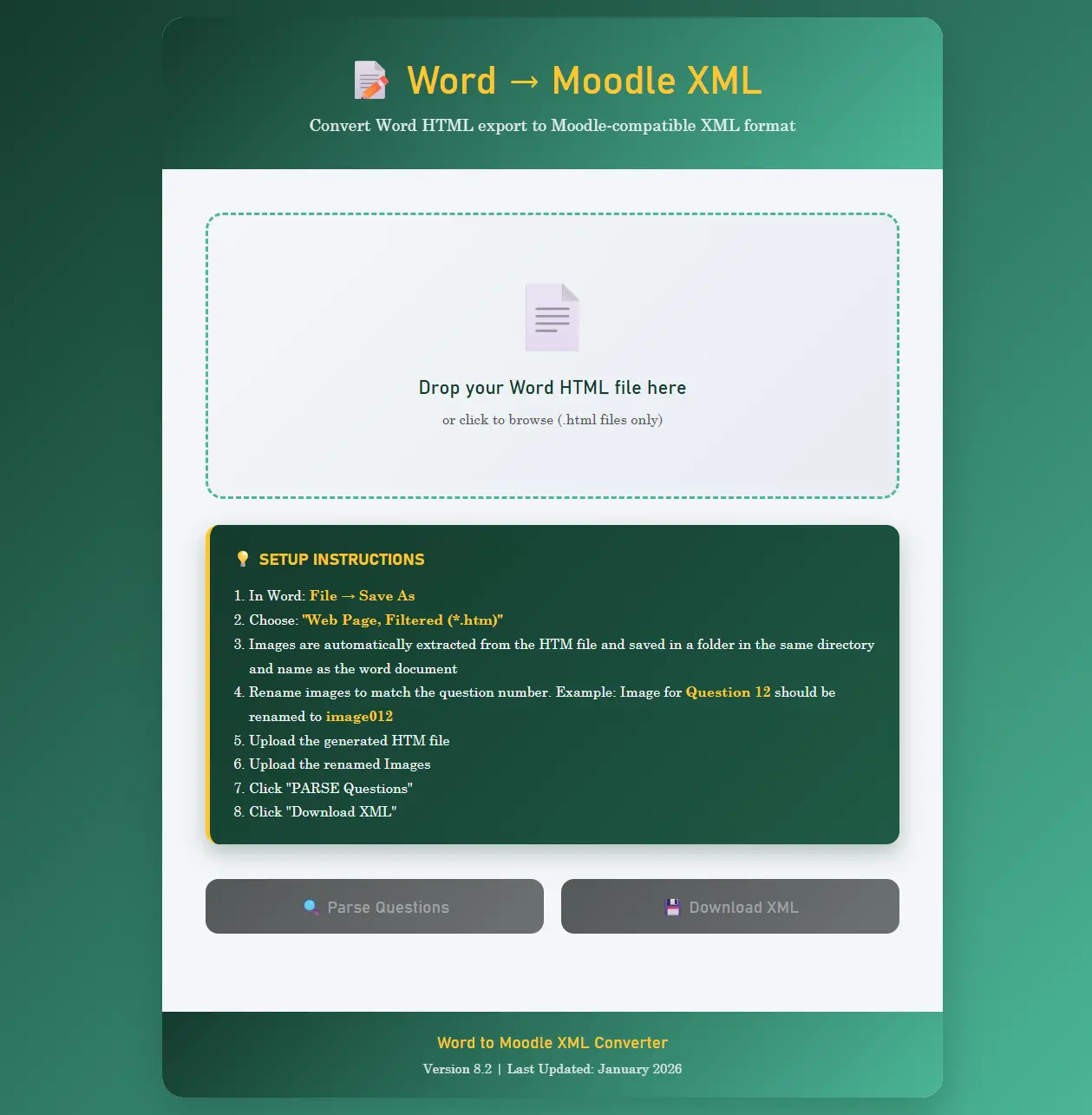
Moodle XML Converter is a custom-built browser tool that transforms exam questions written in Microsoft Word into Moodle-compatible XML format. Instructors save their Word document as an HTML file, upload it to the converter, and receive a properly formatted XML file ready to import directly into Moodle's question bank - complete with images, answer options, correct answers, and category tags.
Platform highlights
Drag & drop
Upload Word HTML exports with a simple drag-and-drop or file picker. No installation required.
Image support
Automatically extracts embedded images and supports uploading additional image files for question diagrams.
Question preview
Review all parsed questions, answer options, and correct answers before downloading the XML file.
100% client-side
Everything runs in the browser. No data is uploaded to any server - your exam content stays private.
Key features
Flexible format detection
Automatically detects and parses different question formatting styles commonly used in Word documents.
Smart error detection
Identifies malformed questions - missing answer keys, improperly formatted options - and provides clear fix instructions.
Category tagging
Questions are automatically organised into Moodle categories based on tags found in the source document.
Batch processing
Parse hundreds of questions in a single upload, processed efficiently with progress indicators.
Live question preview
Every question is displayed with its answer options, correct answer highlighted, and category tags visible for review.
One-click XML download
Download the complete Moodle XML file with a single click. Ready to import into any Moodle instance.