Nullprint
Strip the hidden layer out of a file before you share it.
Overview
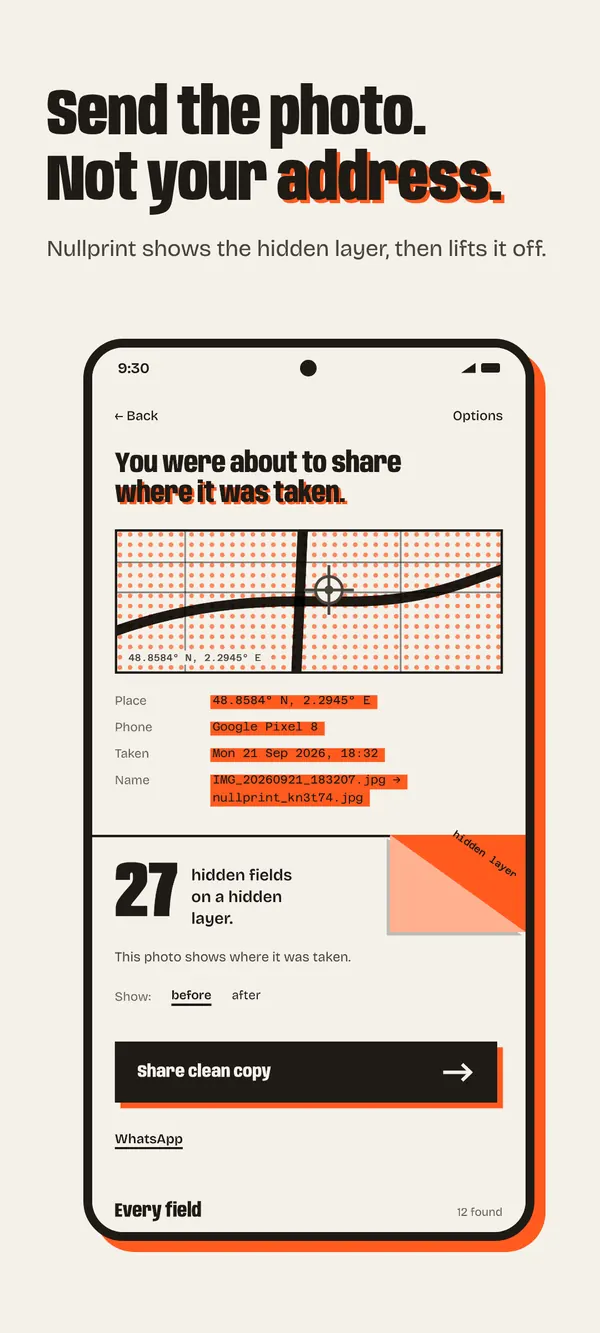
Every photo carries the place it was taken, the phone that took it and the minute of the shutter. Videos record GPS. Documents store your name. Links copied out of social apps carry tracking codes. Nullprint sits in the share sheet: tap share, pick Nullprint, and it removes that layer and hands a clean copy to whichever app you were sending to. Your original is untouched, and the app has no internet permission, so it cannot send a file anywhere even in principle.
Why It's Different
It shows you first
The hidden data is printed on its own layer before it is removed, so you see what you were about to send rather than trusting a tick.
Plain field names
Exact location, Phone model, Original file name. The technical tag sits underneath for anyone who wants it.
No internet permission
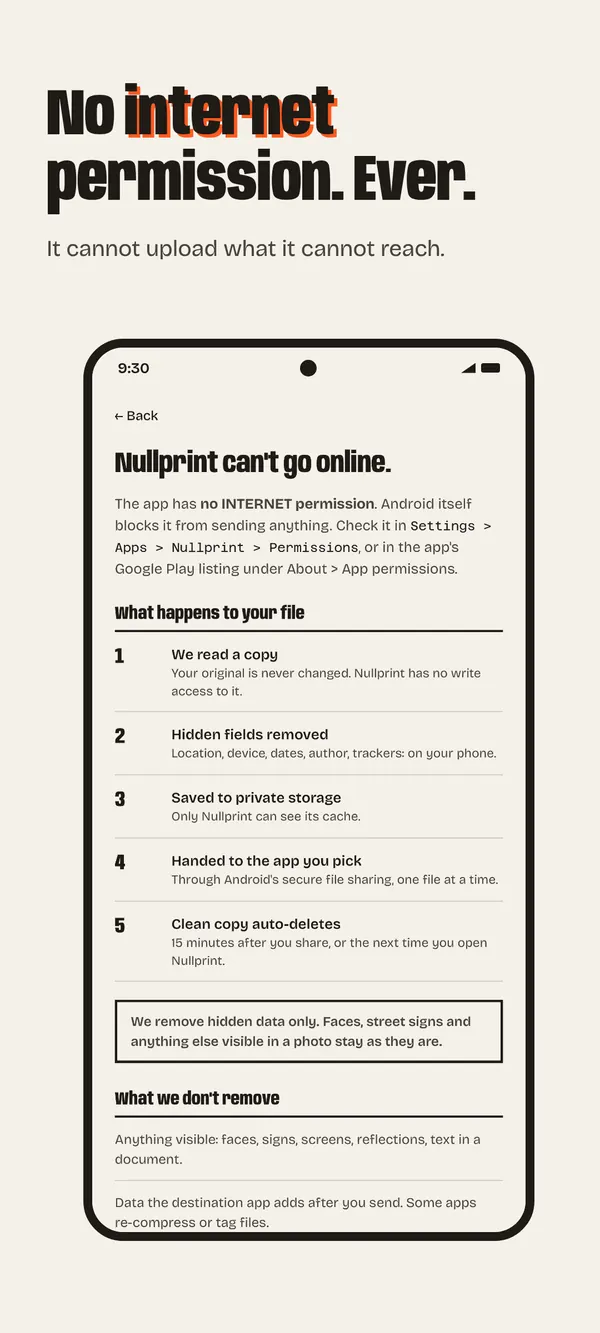
Android itself blocks the app from going online. It is checkable in the permission list rather than a promise in a policy.
Honest about limits
It cannot change what is visible in a photo, and if a file cannot be fully cleaned it says so rather than labelling it clean.
Key Features
Photos, free and unlimited
Location, phone details, dates, XMP and IPTC data, maker notes and embedded thumbnails in JPEG, PNG, WebP and HEIC.
File renaming
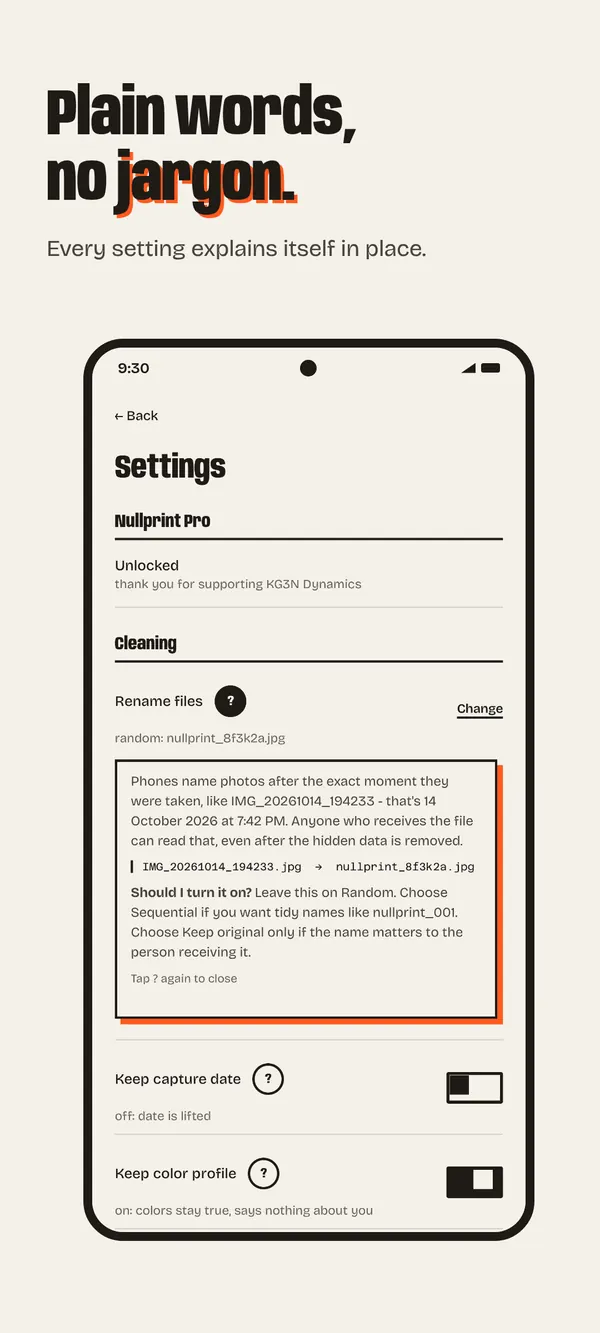
IMG_20261014_194233.jpg becomes nullprint_8f3k2a.jpg, so the name stops leaking the date.
Videos (Pro)
Location, creation dates and device details in MP4 and MOV, with no re-encoding, so quality is identical.
Documents (Pro)
Author, last modified by, company and software fields in PDF, Word, Excel and PowerPoint.
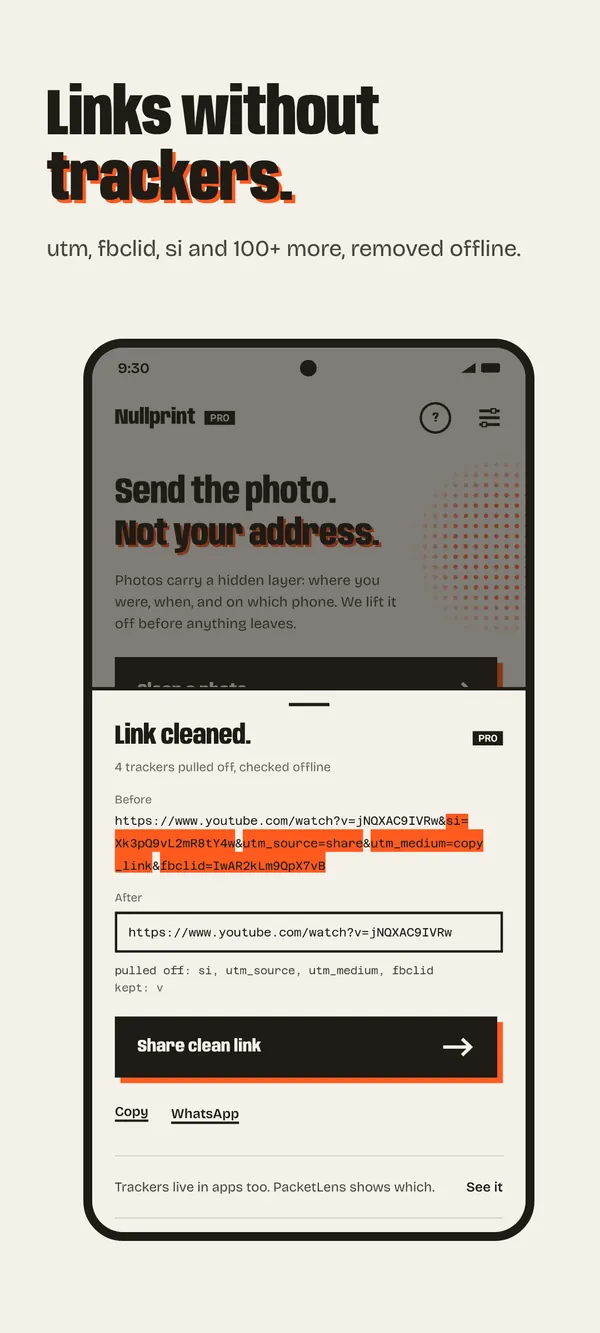
Links (Pro)
utm, fbclid, gclid, si, igshid and over a hundred other tracking codes, removed by rules that run offline.
Batch (Pro)
Clean up to 100 files in a single share.
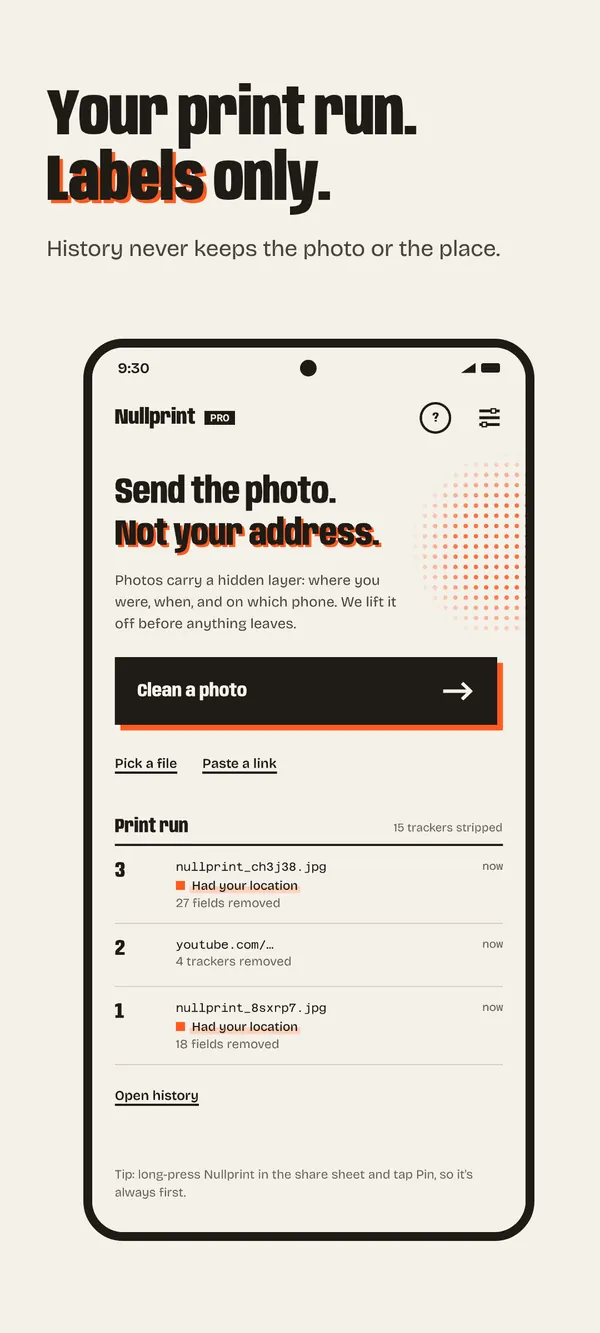
Optional history
Keeps labels only, such as Had your location. Never the photo, the place or the original file name.
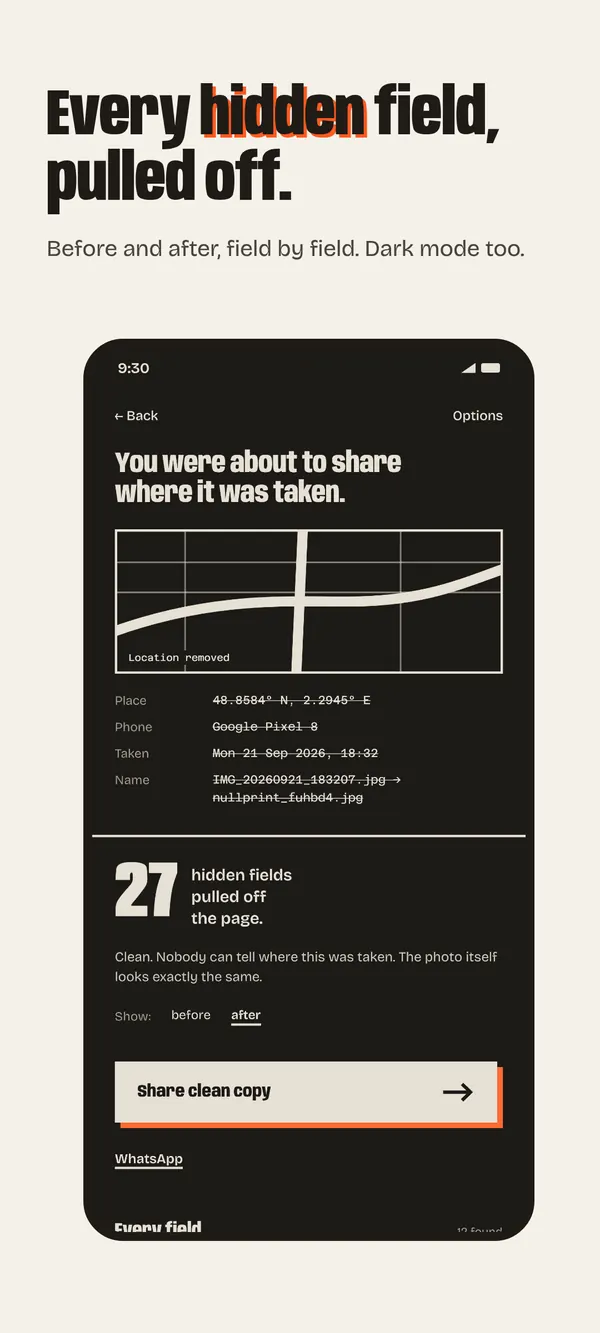
Dark mode
System, light or dark, with settings that explain themselves in place.
How It Works
- Step 01
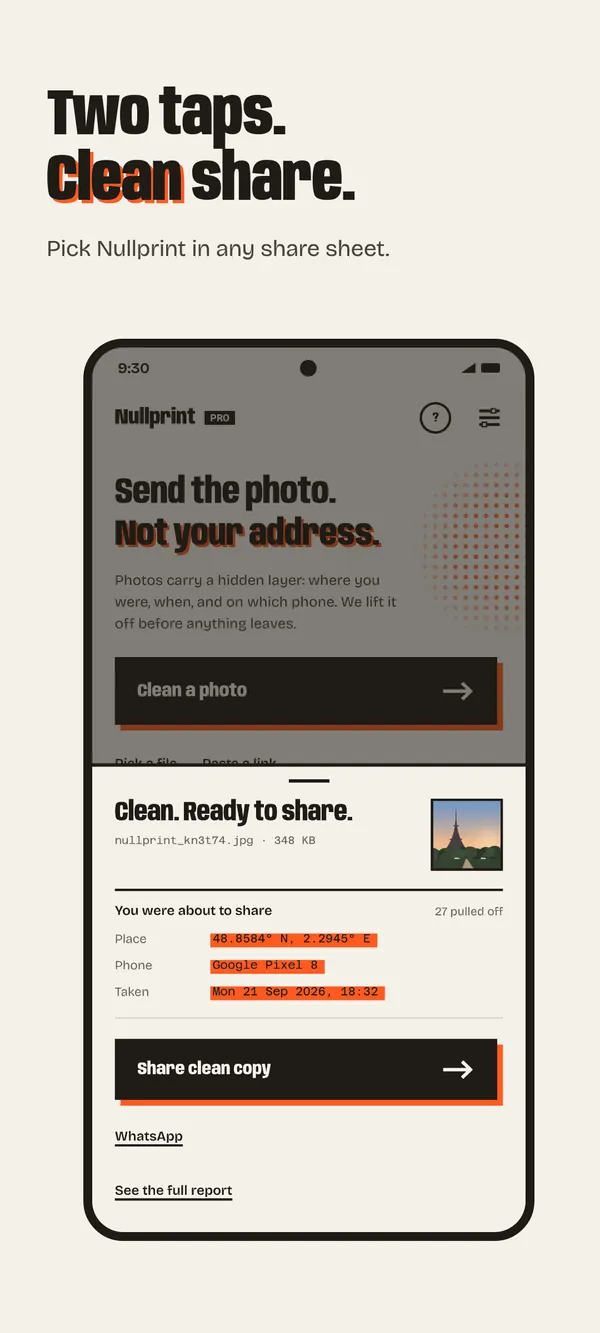
Tap share, anywhere
From the gallery, a file manager or any app that can share.
- Step 02
Pick Nullprint
It appears in the share sheet like any other destination.
- Step 03
See what was hidden
The leak report lists every field found, in plain words.
- Step 04
Share the clean copy
Choose where it goes. The clean copy is passed on and the temporary file is deleted afterwards.
What's Under the Hood
Free & Pro
Free - $0
Photo cleaning, unlimited and untimed / File renaming / Leak report / Optional history.
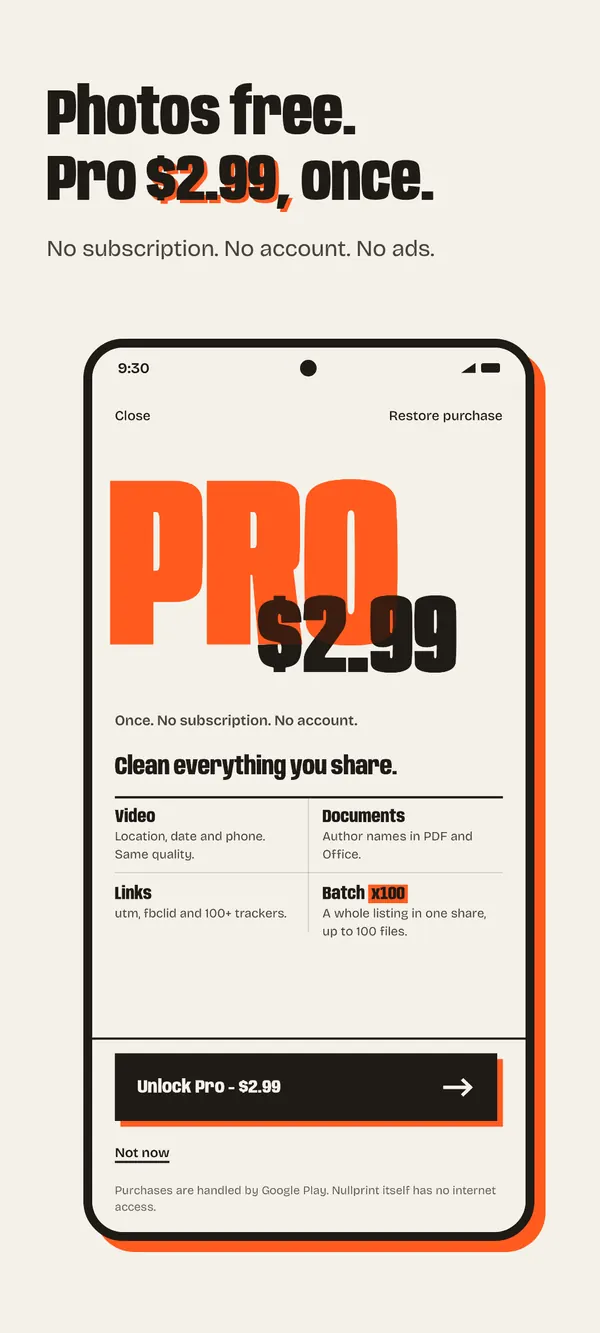
Pro - $2.99 (one-time)
Videos / Documents / Link tracking codes / Batch cleaning up to 100 files. No subscription, no account.
Honest About Limits
It cannot edit the picture
Faces, street signs and a screen in the background are visible content, not metadata.
Apps may re-add data
Some services attach their own information after you send. That is outside any tool's reach.
Short links stay short
Expanding a bit.ly needs the internet, which the app deliberately does not have, so it warns you instead.
Related Projects
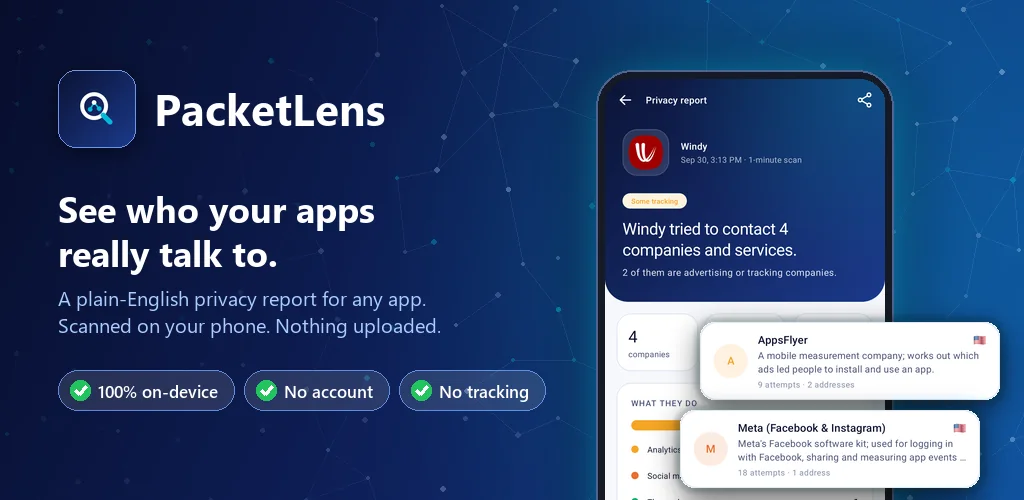
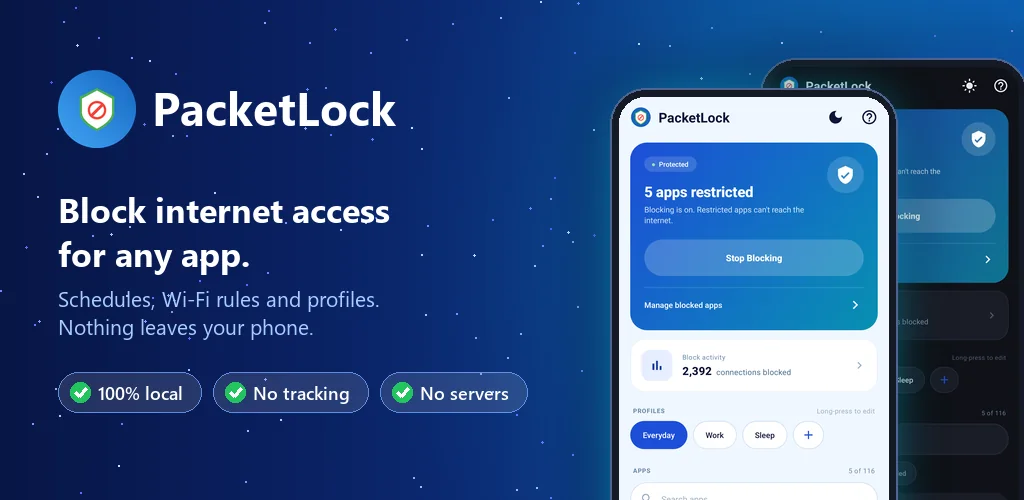
Three more systems from the same catalogue. Hover a full-site capture to scroll it.
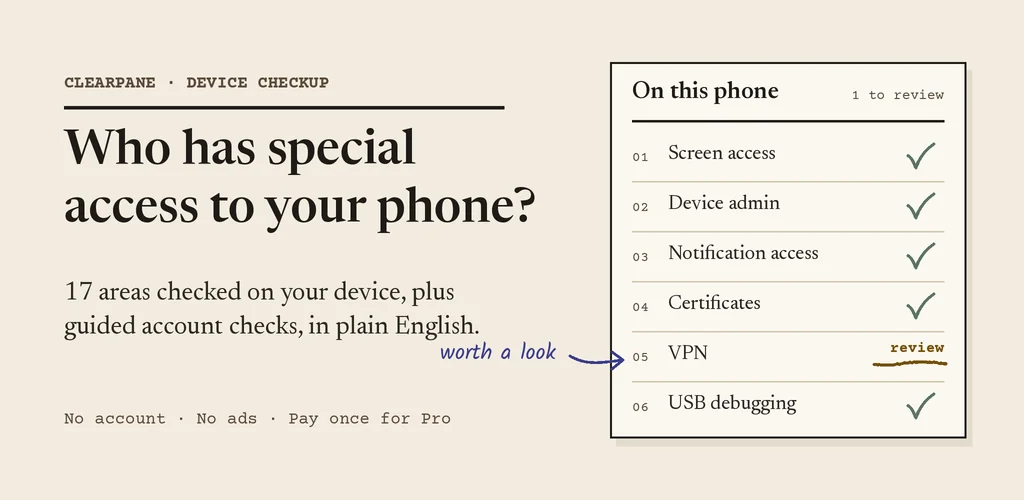
Clearpane
See which apps have special access to your phone.
Need something like this for your operation?
Tell me what the workflow looks like now and what it needs to do instead. That is enough to scope a reply.