Standalone File Integrity Monitoring for Windows. Real-time detection, SHA-256 baselines, and a browser-based dashboard - all in a single .exe.
Standalone portable executable - No installation required
KG3N Sentinel monitors your Windows file system in real time. Point it at any folder and it watches for file creates, modifications, deletions, renames, and permission changes. It compares every change against SHA-256 baselines to detect tampering, flags ransomware-like behavior automatically, and sends email alerts when something critical happens. The entire system runs from a single .exe with zero external dependencies - no database installation, no web server, no runtime. Launch it and open the dashboard at 127.0.0.1:9090.
Uses Windows kernel-level file system notifications to detect changes the instant they happen. No polling, no delays.
Generate cryptographic baselines for your folders. Every file is hashed and tracked. If a single byte changes, Sentinel catches it.
Behavioral detection for mass file changes, known ransomware extensions, ransom note filenames, and rapid rename patterns. Alerts fire automatically.
SMTP integration with TLS/STARTTLS. Get notified by email when high-severity events occur. Configurable severity threshold and rate limiting.
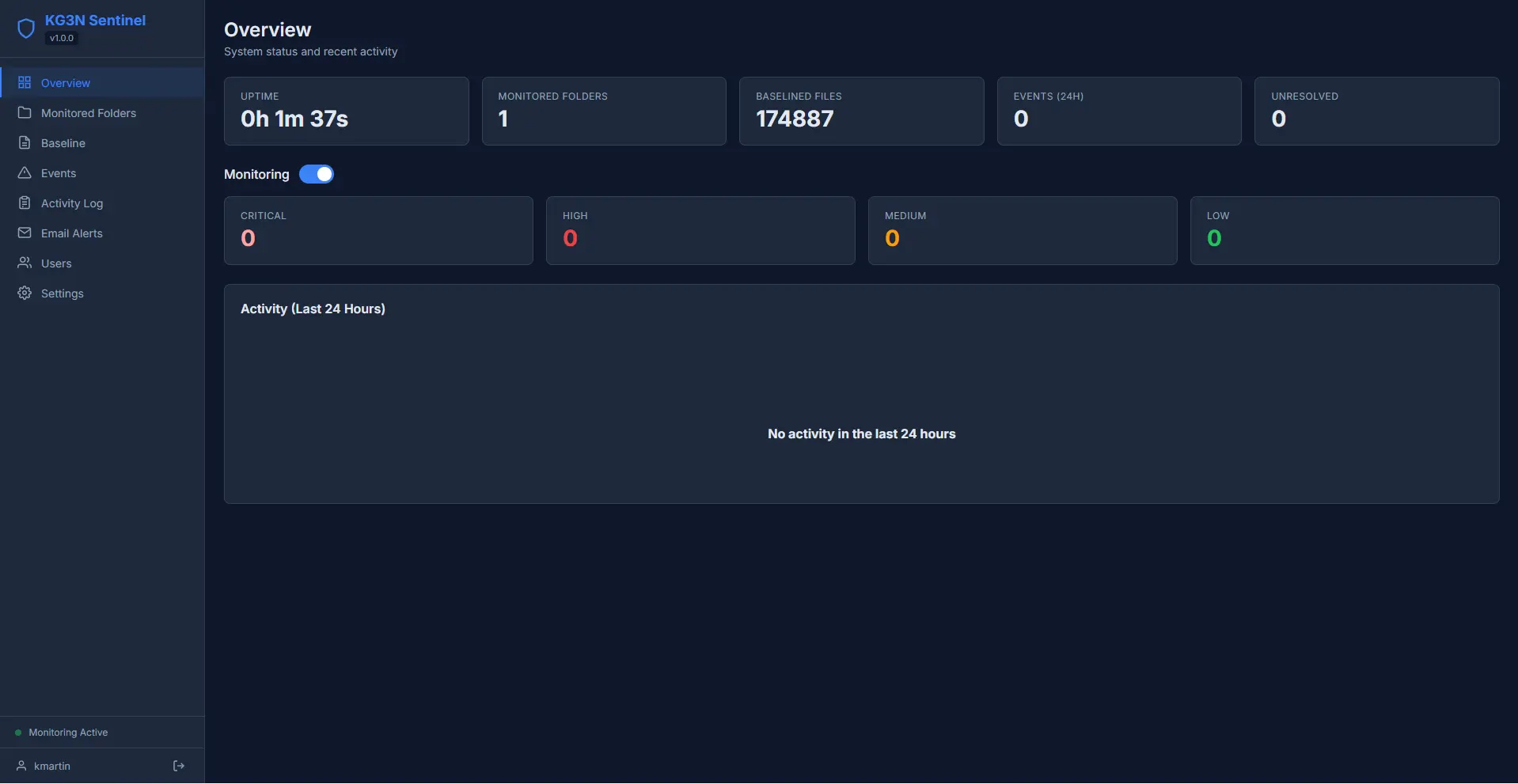
Full management interface served locally at 127.0.0.1:9090. Overview stats, event timeline, folder management, baseline scanning, and settings - all from your browser.
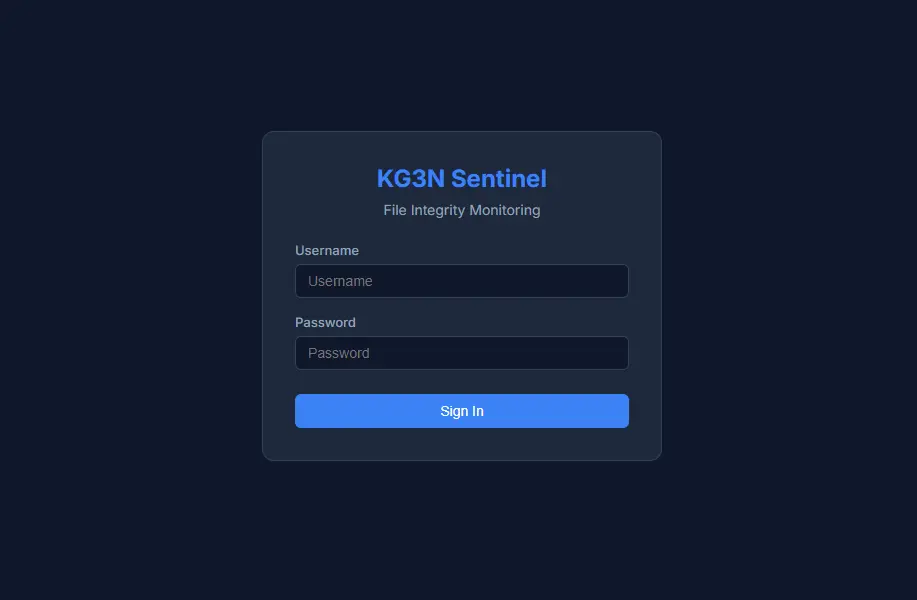
Role-based authentication with admin, operator, and viewer roles. Each user gets scoped permissions. Full audit trail logs every action.
Download, launch, monitor.
Download KG3NSentinel.exe. It's a single portable file - no installation, no database setup, no runtime dependencies.
Run the .exe and the dashboard opens automatically in your browser at 127.0.0.1:9090. Everything is managed from here.
Use the folder browser to select directories. Choose recursive monitoring, set file type filters, and define exclusion patterns.
Scan your folders to create SHA-256 baselines. Every file is hashed and catalogued. Future changes are compared against this snapshot.
Events appear in real time via WebSocket. Acknowledge, resolve, or export them. Configure email alerts for critical events. Review the audit log for a full history of actions.
Built with Go for performance and zero-dependency deployment.
Common questions about KG3N Sentinel.
Yes, completely free. No sign-up, no licence key, no premium tier. Download and run it.
Any folder on your Windows machine. It detects file creates, modifications, deletions, renames, and permission changes in real time. It also runs periodic drift checks against your baselines to catch anything that slipped through.
Sentinel watches for behavioral patterns: mass file changes within a short time window, files being renamed to known ransomware extensions (.encrypted, .locked, .crypted, etc.), and ransom note filenames appearing in monitored folders. When a pattern is detected, it triggers a critical alert.
No. Sentinel embeds SQLite and its own HTTP server directly into the binary. There is nothing to install or configure. Launch the .exe and the dashboard is available immediately.
Yes. Sentinel supports multiple user accounts with three roles: admin (full control), operator (can manage folders and baselines), and viewer (read-only). Every action is logged in an audit trail.
Yes. You can generate a self-signed TLS certificate from the settings page and enable HTTPS for the dashboard. Useful if you need encrypted access to the local interface.
SmartScreen may warn about the file because it's new and unsigned. This is normal for independent software. Click "More info" then "Run anyway" to proceed.
Everything is stored locally in %LOCALAPPDATA%\KG3N Sentinel\. The SQLite database, TLS certificates, and configuration all live in that folder. No data is sent anywhere.
Real-time integrity monitoring. Zero dependencies. One executable.